
Every security contract runs on people, hours and proof. Run yours on one platform.
Build rotas, prove attendance with GPS, record what happened on site, and turn worked hours straight into payslips and client invoices — whether you run four officers or four hundred across a dozen sites.
Six tools, three spreadsheets and a phone that never stops ringing
Most security companies run scheduling in one place, attendance in another, reports on paper and payroll in a spreadsheet. Nothing reconciles, hours go unbilled and clients ask questions nobody can answer quickly. Secure360 puts all of it in one system that everyone shares.
Everything your operation runs on, in one system
Six core areas, working off the same data. Change a shift once and the timesheet, the payslip and the invoice all follow.
Guard Scheduling
Drag-and-drop rotas across every site and position. Repeating patterns roll forward on their own, and Secure360 warns you about clashes, expired licences and banned sites before you publish.
Explore schedulingGPS Clock-In & Geofencing
Guards clock in from the app inside a geofence you draw around each site. You get the time, the location and the device — proof the right person was in the right place.
Explore attendancePatrols & NFC Checkpoints
Tag checkpoints around a site and have guards scan them on their rounds. Every scan is timestamped, so you can show a client exactly when the fire exits were last walked.
Explore patrolsIncidents & Daily Reports
Incidents, daily activity reports, visitor and vehicle logs, site checks with photos — all captured on the phone during the shift and filed against the right site instantly.
Explore reportingTimesheets, Payroll & Invoicing
Approved clock times become timesheets with regular hours, overtime, pay, charge and profit per shift — then payslips for your guards and invoices for your clients.
Explore financeAlerts & Notifications
Late starts, missed clock-ins and open shifts reach the right person straight away by push and email — including the automatic notice your client's site contact gets before every shift.
Explore alertsPublish next month's rota before lunch
Build a pattern once and let it extend itself. When someone calls in sick, push the shift out as an open shift and the guards who are actually qualified, available and not banned from that site get it on their phone within seconds.
- Repeating patterns that extend themselvesSet up a 4-on-4-off or a fixed weekly pattern and stop rebuilding it every month.
- Open shifts guards can claimOffer a shift to a filtered group; the first suitable guard to accept gets it, and everyone else is updated.
- Guards can decline with a reasonA declined shift goes straight back to the open pool and your scheduler is told why.
- Warnings before you publishDouble bookings, booked leave, expired SIA licences and site bans are flagged while you still have time to fix them.

Know a guard is on site — without phoning to check
Every clock-in carries a time, a GPS position and the device it came from. Draw a geofence around the site and the app will not let a guard start a shift from the car park down the road.
- Geofenced clock-in and clock-outAttendance is tied to the site boundary you define, so "I was there" becomes a record, not a claim.
- No-show and late-start alertsIf a shift starts and nobody has clocked in, the control room knows before the client does.
- Check calls through the nightPrompt guards to confirm they are safe and awake at intervals you set.
- Manager approval before payrollReview and correct clock times, then lock them so the hours feeding payroll are the hours you agreed.

Turn every shift into evidence you can hand a client
Guards record what happened while it is happening. Checkpoint scans, site checks, photos, incidents and the daily activity report all land in one timeline for that site and that date.
- NFC checkpoint scanningProof each round was actually walked.
- Site checks with photosMain entrance, fire exits, car park — with evidence.
- Incident reportsFiled on the phone, with photos, in minutes.
- Daily activity reportsSubmitted during the shift, not written up later.
- Visitor & vehicle logWho came on site, when, and in what.
- Tasks with photo proofInstructions in, completed work out.

Stop losing money between the rota and the invoice
Set a pay rate and a charge rate at whatever level makes sense — company, client, site or position — and Secure360 does the rest. Day and night rates switch automatically, and overtime is applied to what you pay and what you bill.
- Rates that follow your contractsStandard, hourly, per shift or daily fixed — with site rates overriding client rates where needed.
- Overtime handled on both sidesHours past the standard day roll onto 1.5×, so the client is charged for the overtime you pay for.
- Payslips emailed as PDFsRun payroll, apply deductions and send every guard their payslip in one go — with a record of what was sent.
- Invoices with your bank detailsTaxes, adjustments and your payment details on every invoice, emailed straight to the client.

Your guards' whole shift, on the phone in their pocket
Free for every guard on your account, on iOS and Android. If a guard works for more than one company on Secure360, they pick the company when they log in — one app, one password.
- Today's shiftsWith site details and instructions.
- GPS clock in & outInside the site geofence.
- Patrol scanningNFC checkpoints on every round.
- Site checksTick-offs backed by photos.
- TasksInstructions, comments and photo proof.
- ReportsIncidents and daily activity reports.
- Open shifts & leaveClaim work, book time off.
- Panic alertOne tap when something goes wrong.

Give clients the answers before they ask
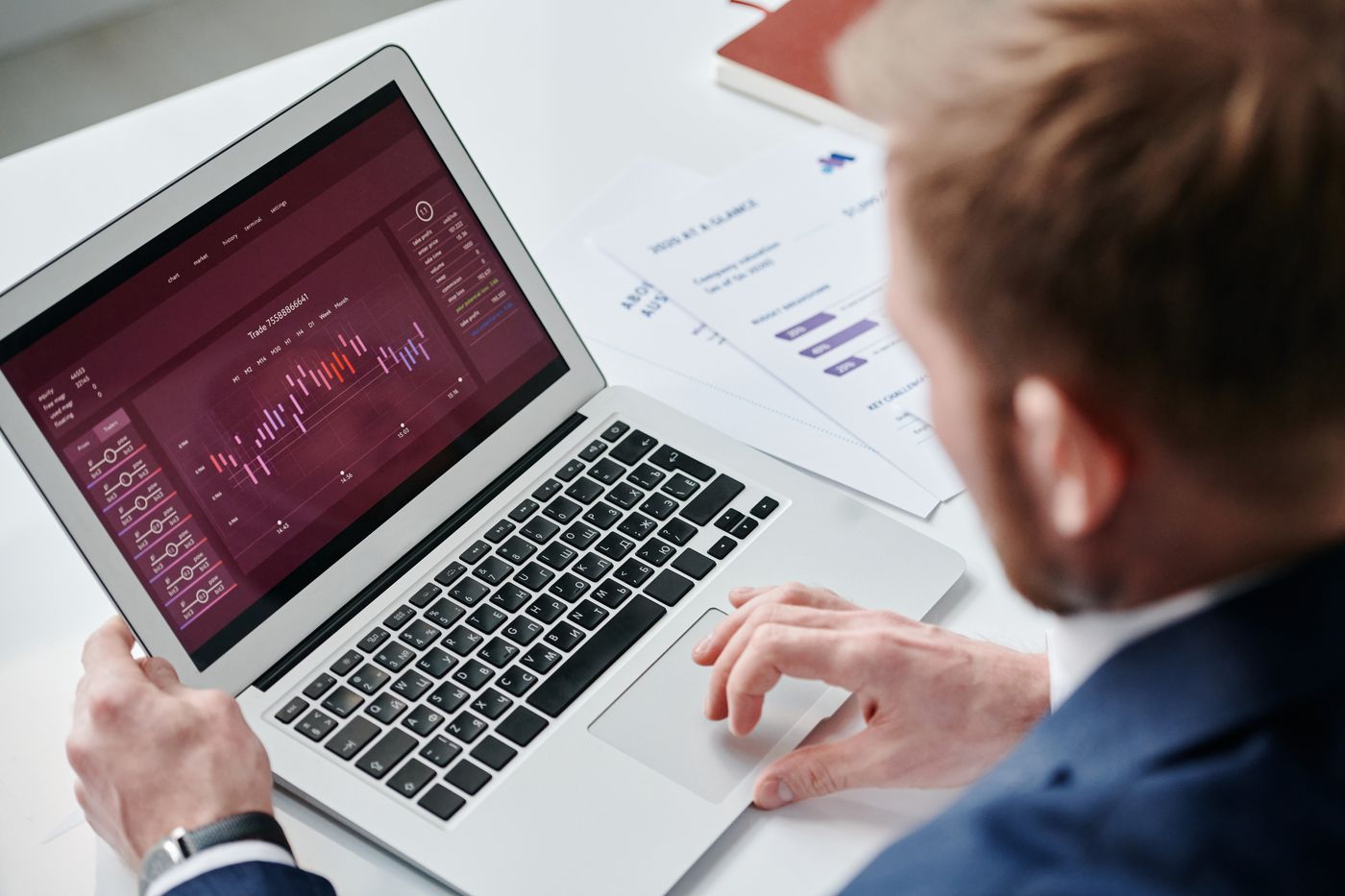
Every client gets their own secure login showing only their sites. They can see who is on duty, what the patrol log says and what happened last night — without emailing your control room at 7am.
- Live attendance for their sitesWho clocked in, when, and where.
- Activity and patrol logsCheckpoint scans and site checks with photos.
- Daily activity and incident reportsAvailable as soon as they are submitted.
- An email two hours before each shiftThe site contact is told who is coming and when, automatically.
Live in a day, not a quarter
We import what you already have, set your rates up with you and train your team. Most companies are running their first live rota within 24 hours.
Import your data
Send us your guard list, clients and sites in whatever format you have. We load them for you — no retyping.
Set your rates
We help you set pay and charge rates by client, site or position, including day, night and overtime rules.
Invite your team
Guards get an invite link, download the app and onboard themselves. Clients get their portal login.
Publish and go
Build your first rota, publish it, and watch the clock-ins, reports and invoices take care of themselves.
Every module, included
There is no "premium tier" holding back the feature you actually need. Here is everything in the box.
Shift Scheduling
Drag-and-drop rotas by site, position and date, with conflict warnings before you publish.
Shift Patterns
Repeating patterns that extend automatically, so next month's rota is already half built.
Open Shifts
Offer uncovered shifts to qualified guards and let the first suitable acceptance take it.
Shift Declines
Guards decline with a reason; the shift reopens and your scheduler sees why it happened.
Clock In & Out
GPS and geofenced attendance from the app, with missed clock-in alerts and check calls.
Mobile Patrol & NFC
Checkpoint scanning and patrol routes with timestamped proof of every round.
Employee Records
Guards, supervisors and office staff with documents, licences and emergency contacts.
Document Expiry Alerts
SIA licences, right-to-work and training certificates flagged before they lapse.
Self-Onboarding
Send an invite link and new starters complete their own profile and upload their documents.
Leave Management
Requests, approvals and balances, with booked leave blocking conflicting shifts.
Messaging
Send a message to one guard, a site team or everyone, by push and email.
Roles & Permissions
Control who sees what, screen by screen — including who can see pay and charge rates.
Timesheets
Worked hours, overtime, pay, charge and profit on every shift, ready for approval.
Pay & Charge Rates
Rates by company, client, site or position, with day and night rates picked automatically.
Payroll Runs
Generate a pay run for a period, apply deductions and produce every payslip at once.
Email Payslips
Send payslips as PDFs in bulk, with a delivery history showing exactly what went where.
Client Invoices
Taxes, adjustments and your company bank details, emailed straight to the client as a PDF.
Financial Reports
Revenue, cost and margin by client, site and period — so you know which contracts pay.
Clients & Sites
Site contacts, instructions, geofences and the guards who are preferred or barred.
Client Portal
A login of their own showing attendance, activity logs and reports for their sites only.
Site Activity Checks
Define what must be checked at each site and collect photo evidence that it was.
Incident Reports
Structured incident capture with photos, filed against the site and visible immediately.
Visitor & Vehicle Log
A searchable record of who and what came on site, and when they left.
Dashboards
Live view of shifts covered, guards on duty, open incidents and today's exceptions.
What operations managers tell us
"The rota used to take two days a month and half of Sunday. Now it's built from a pattern and I only touch the exceptions. Open shifts get filled before I've finished my coffee."

"The client portal changed the relationship. They stopped ringing us for updates because they can see the patrol log themselves. Renewals got a lot easier to have a conversation about."

"We were billing from a spreadsheet and quietly giving overtime away. The first month on Secure360 paid for the year — it charged the client for hours we'd have missed."

Simple plans that grow with your guard count
One price covers the web portal, the guard mobile app and the client portal. No per-module upsells, no charge for the people who only log in to read a report.
Starter
- Up to 4 guards on one account
- Unlimited clients, sites and shift patterns
- Guard mobile app for iOS and Android
- GPS clock-in, geofencing and patrol scanning
- Timesheets, payslips and client invoicing
- Client portal and automated shift emails
Growth
- Up to 100 guards on one account
- Unlimited clients, sites and shift patterns
- Guard mobile app for iOS and Android
- GPS clock-in, geofencing and patrol scanning
- Timesheets, payslips and client invoicing
- Client portal and automated shift emails
- Priority support and onboarding help
Professional
- Up to 200 guards on one account
- Unlimited clients, sites and shift patterns
- Guard mobile app for iOS and Android
- GPS clock-in, geofencing and patrol scanning
- Timesheets, payslips and client invoicing
- Client portal and automated shift emails
- Priority support and onboarding help
Enterprise
- 200+ guards on one account
- Unlimited clients, sites and shift patterns
- Guard mobile app for iOS and Android
- GPS clock-in, geofencing and patrol scanning
- Timesheets, payslips and client invoicing
- Client portal and automated shift emails
- Priority support and onboarding help
Monthly Requirement
- Up to 11 guards on one account
- Unlimited clients, sites and shift patterns
- Guard mobile app for iOS and Android
- GPS clock-in, geofencing and patrol scanning
- Timesheets, payslips and client invoicing
- Client portal and automated shift emails
super package
- Up to 50 guards on one account
- Unlimited clients, sites and shift patterns
- Guard mobile app for iOS and Android
- GPS clock-in, geofencing and patrol scanning
- Timesheets, payslips and client invoicing
- Client portal and automated shift emails
Buisness
- Up to 1000 guards on one account
- Unlimited clients, sites and shift patterns
- Guard mobile app for iOS and Android
- GPS clock-in, geofencing and patrol scanning
- Timesheets, payslips and client invoicing
- Client portal and automated shift emails
All plans include free data import, training for your team and UK-based support. Compare plans in detail.
Things people ask before they switch
Most companies publish their first live rota within a day. We import your guards, clients and sites for you, set your pay and charge rates up with you on a call, and your guards onboard themselves through an invite link.
No. The guard app is free on iOS and Android for everyone on your account, and it is included in your plan. If a guard works for more than one company that uses Secure360, they choose the company at login — they do not need a second app or a second password.
The app is built for real sites, including basements and rural units. Guards can still work their shift, and the record syncs with its original timestamp and location as soon as the phone reconnects.
Yes. Permissions are set screen by screen and action by action. A scheduler can build rotas without ever seeing what a client is charged, while your finance team sees the full picture.
Automatically, on both sides. Hours past the standard working day move onto the overtime multiplier, and night rates are selected based on when the shift actually falls. Crucially, overtime is applied to the client invoice as well as the payslip, so you are paid for the hours you pay out.
Your data is yours. It is stored securely, handled in line with UK GDPR, and you can export your records at any time. We will never hold your data hostage if you decide to leave.
Give your team one system instead of six
Start a free trial and build a real rota with your own sites and guards, or book a 30-minute demo and we will walk you through it with your operation in mind.
No card required · Free data import · Cancel any time